Dear ImGui · C++ · MSBuild
Screenshot in.
UI out.
Upload screenshots of any menu. SyntaxUIs measures every pixel — colours, paddings, radii, fonts — and rebuilds it as a clean Dear ImGui UI shell. You get the C++ source and a ready-to-run exe.
Your first remake is free — exe + full source, no card needed.
Cosmetic UI only — no game, process or network code. Ever.
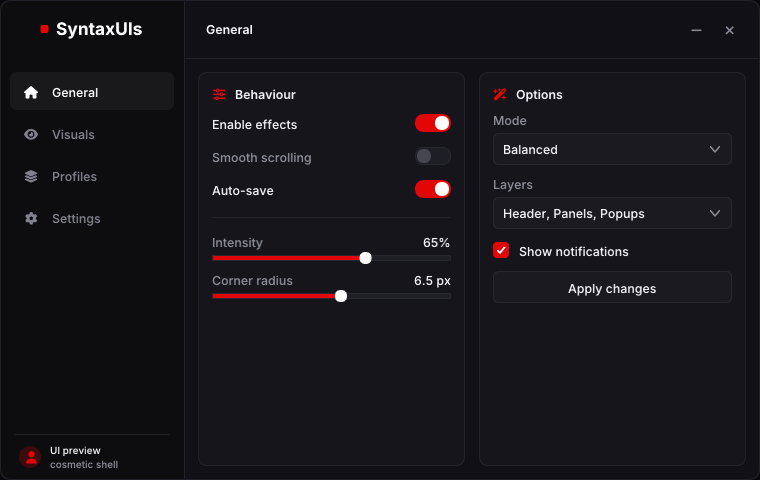
Upload screenshots of any menu. SyntaxUIs measures every pixel and rebuilds it as a clean Dear ImGui UI — C++ source and a ready-to-run exe. Your first remake is free.
- 3
- quality tiers
- 55 % · 75 % · 1:1
- 1–10
- screenshots per remake
- every tab, every popup
- 1
- single-file exe
- static CRT, fonts embedded
- 0
- system APIs allowed
- checked before every build
- Dear ImGui 1.91.9b
- C++17
- Win32 + Direct3D 11
- MSBuild + CMake
- Font Awesome 6
- 7 embedded typefaces
Example · 1:1 remake
Left: the screenshot. Right: the exe.
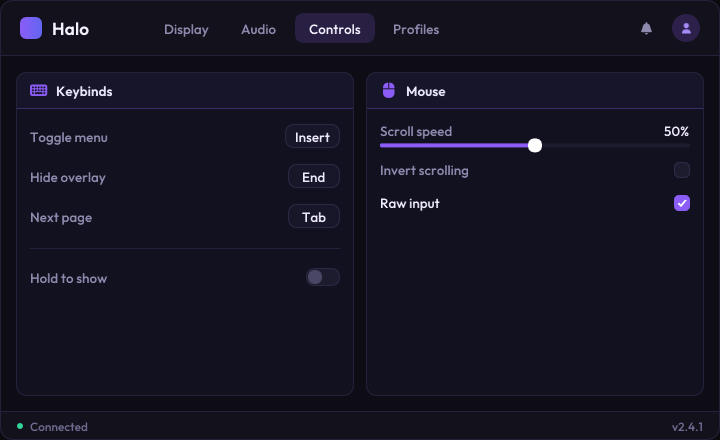
Drag the handle. The left side is a menu design rendered in a browser — the kind of screenshot you upload. The right side is its remake, rendered by the compiled Dear ImGui exe. Same layout, same palette, same type: measured first, then rebuilt.
- window
- 720 × 440 · r12
- accent
- #8B5CF6
- tabs
- pill · 30 px · r8
- toggle
- 34 × 18 · knob 14
- slider
- track 4 · knob 14
- type
- Outfit 14 / 18 px
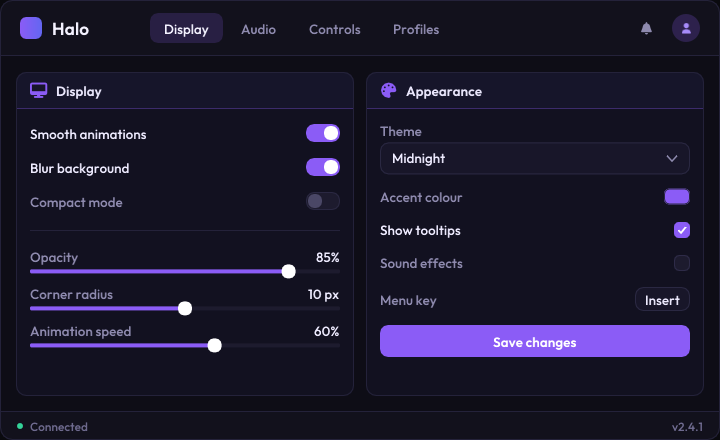
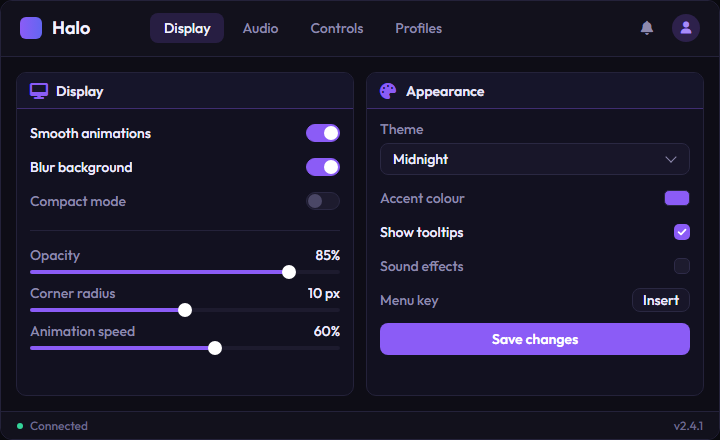
drag to compare · both images are unretouched 720 × 440 PNGs
How it works
Measured, not guessed.
Rebuilding a menu by eye lands at 70 % right: recognisably the design, wrong in every padding and shade. SyntaxUIs turns each guess into a measurement before a single line of C++ is written.
- STEP 01 / 04
Upload your screenshots
Drop 1–10 screenshots: every tab you want, an open dropdown, a hover state. Pick the quality, give it a name, done.
- PNG, JPG, WebP or paste with Ctrl+V
- Window size measured or set by you
- Colours from the screenshot, a preset or your accent
syntaxuis / new remake3 screenshots · drop, browse or Ctrl+V
Quality
55%$575%$121:1$25Build my 1:1 remake - STEP 02 / 04
SyntaxUIs measures every pixel
Instead of guessing, SyntaxUIs zooms in, scans pixel rows for exact widths and gaps, and probes the real colours. The result is a spec, not an impression.
- zoom: magnified crops with a pixel grid
- scan: widths, gaps, borders, radii
- probe: exact colours, incl. translucent ones
measure · zoom 4× · halo-design.pngzoom · scan · probescan y=133 → track 34 px · knob 14 px · rounding 9
// spec.json (excerpt) "accent": "#8B5CF6", "window": [720, 440], "r": 12, "tabs": "pill", "h": 30, "toggle": { 34×18, "knob": 14 }, "panel": { "r": 10, "pad": 14, "header": 36 }, "font": "Outfit 14 / 18", "inferred": ["hover colours"] - STEP 03 / 04
It writes clean, readable C++
One theme table holds every colour and metric, one function holds the layout, and custom widgets appear only where your design needs them.
- generated/theme.h, menu.cpp, widgets_custom.*
- Every line checked by the safety scanner
- spec.md lists what was measured and what inferred
theme.h menu.cpp widgets_custom.cpp// generated/theme.h - "Halo": every colour and metric of the design. inline ui::Theme MakeTheme() { ui::Theme t = ui::themes::Dark(); SetAccent(t, ImColor(139, 92, 246, 255)); t.window.size = ImVec2(720, 440); t.window.rounding = 12.f; t.toptabs.style = ui::TopTabStyle::Pill; t.toggle.track_w = 34.f; t.toggle.knob_w = 14.f; t.child.header_h = 36.f; t.font.text_face = ui::Face::Outfit; return t; }safety scan passed· 4 files · UI-only includes · 0 system APIs - STEP 04 / 04
Built, rendered, compared
MSBuild compiles the project, the exe renders every page offscreen, and the renders are compared with your screenshots and fixed where they differ.
- Real MSBuild build, not a mockup
- Preview stills of every page
- Up to 2 refine passes on the 1:1 tier
pipeline log · Halo · 1:1DONE[validating]Safety scan passed: UI-only code, allowed includes
[building]Build OK in 2.9s (msvc)
[rendering]Rendered 4 preview stills
[refining]Comparing the build against your screenshot
[refining]Comparing the build against your screenshot (2/2)
[packaging]source.zip · exe.zip · previews
[done]Your UI shell is ready
Made with SyntaxUIs
Every menu is different. So is every remake.
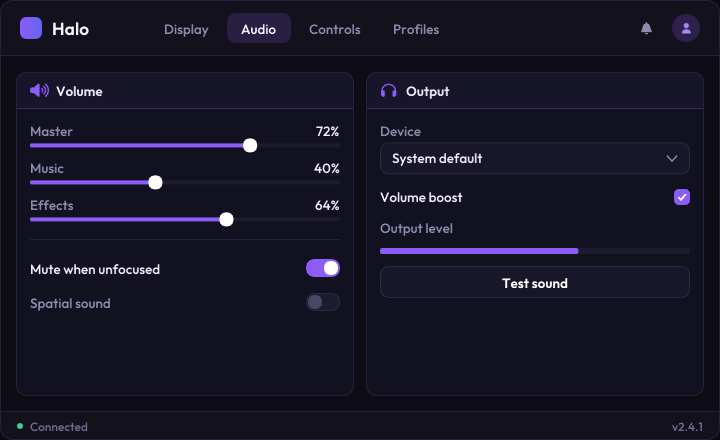
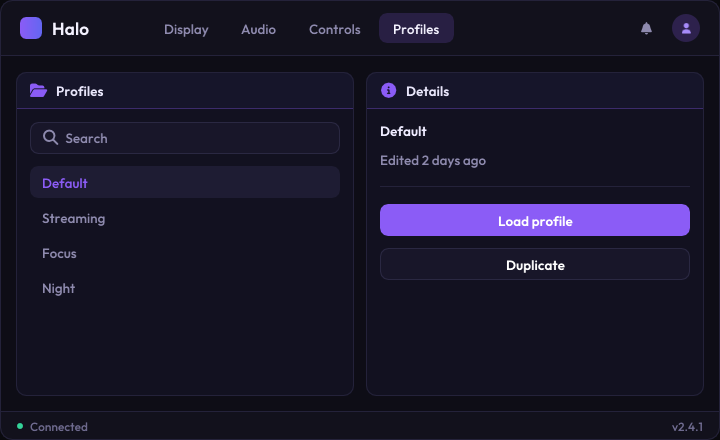
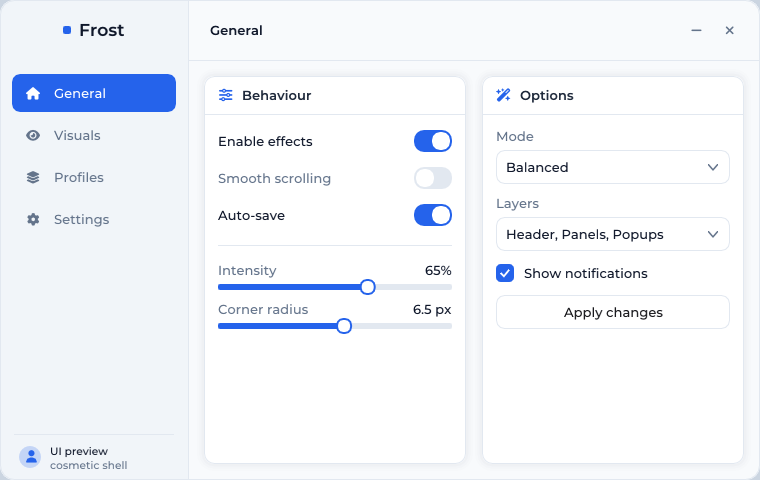
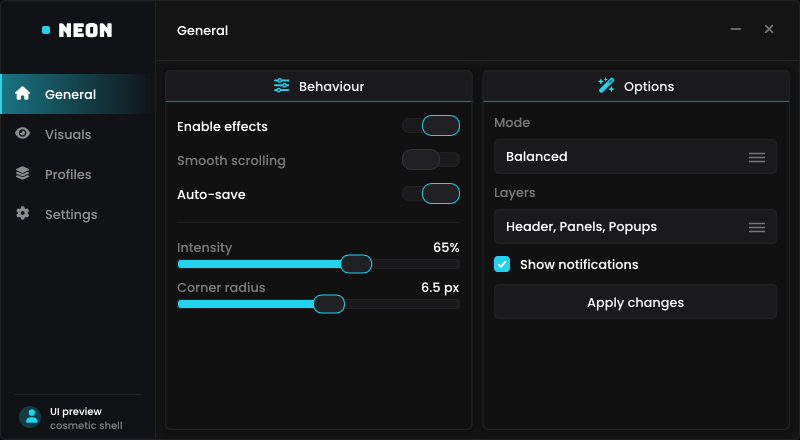
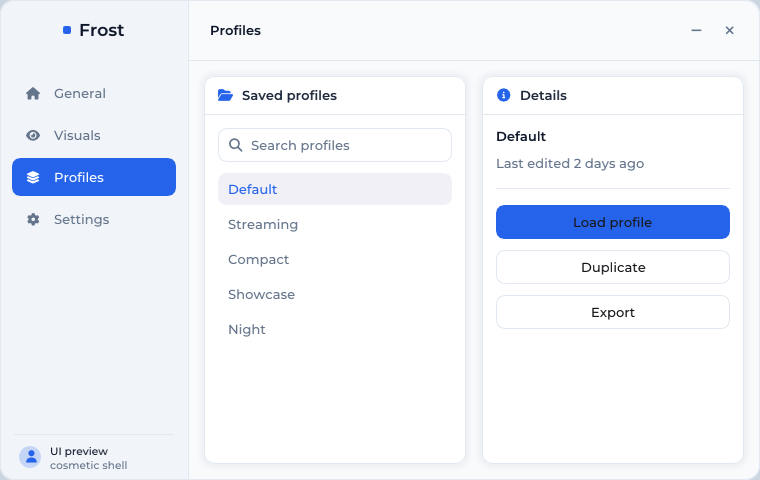
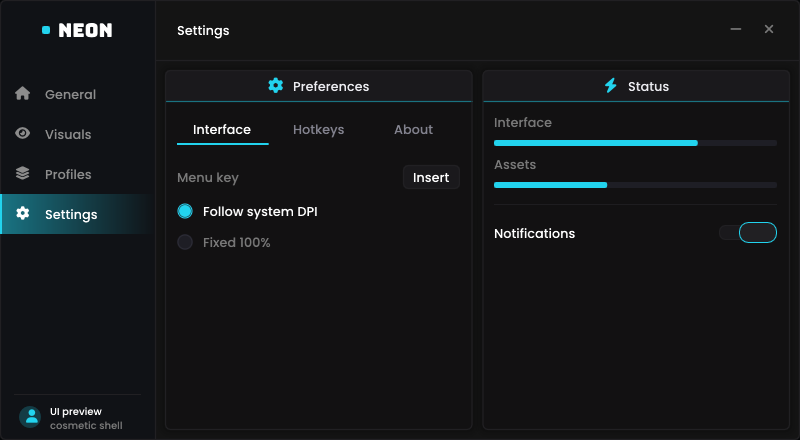
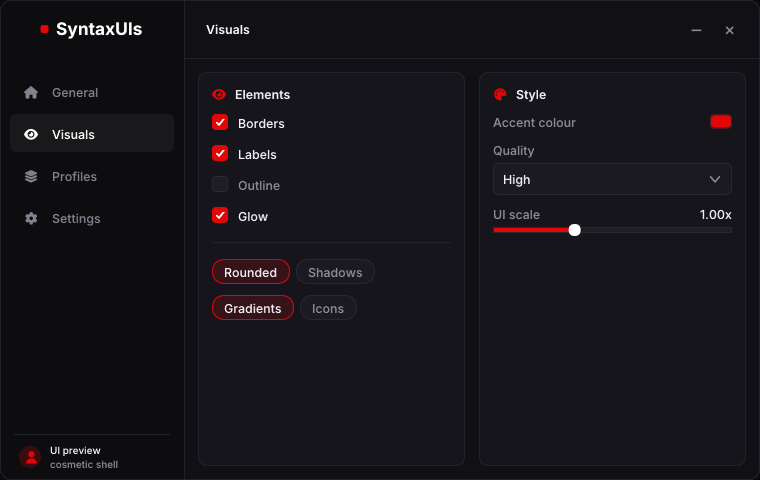
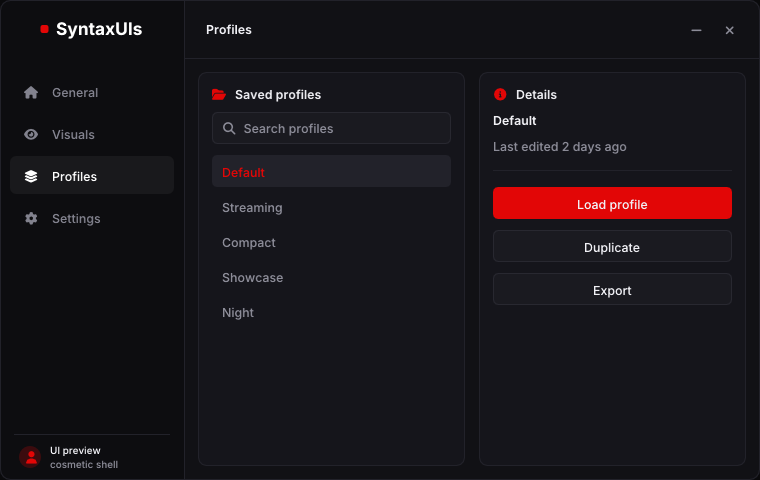
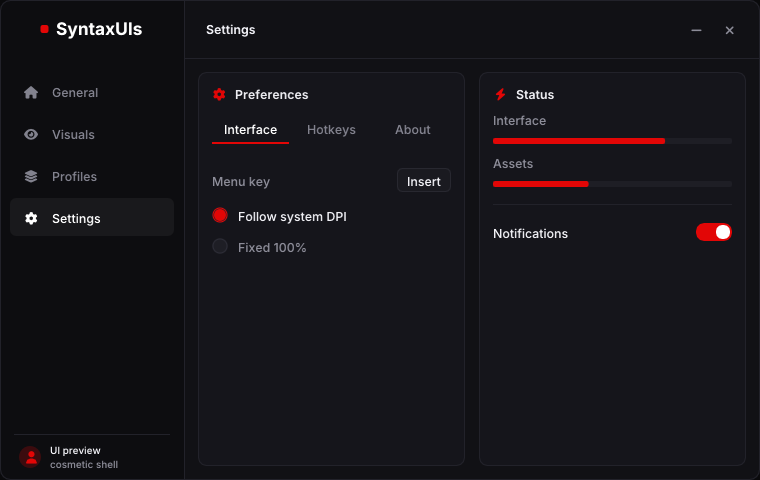
Light or dark, sidebars or top tabs, ring knobs or pills — each of these is a real exe render, built from the same template with a different measured theme. Hover to pause.
What you get
A real project, not a picture of one.
Dear ImGui 1.91.9b, Win32 + Direct3D 11, C++17. The layout is generated; the host, the widgets and the build are the same battle-tested code in every remake.
- Halo_source.zip
- Halo.sln— open, press Build
- CMakeLists.txt— + MinGW toolchain
- generated/
- theme.h— every colour and metric
- menu.cpp— the layout
- widgets_custom.cpp— design-only widgets
- ui/— widget library
- assets/fonts/— 7 typefaces + Font Awesome 6
- third_party/imgui/— Dear ImGui 1.91.9b
- spec.md— measured vs. inferred
- Halo_exe.zip— 1.9 MB
- Halo.exe— 3.9 MB, single file, no installer
Visual Studio solution
Open the .sln, press Build. CMake and a MinGW toolchain file are included too.
Single-file exe
Static CRT, fonts embedded as resources: runs on a clean Windows 10/11 machine.
One theme table
Every colour and metric lives in generated/theme.h. Restyle without touching widgets.
Widget library
Toggle, checkbox, slider, tabs, sliding sidebar, combo, multi-combo, keybind, colour picker…
Preview renders
A still of every page, rendered by the real exe — before you download anything.
spec.md
What was measured and what was inferred (fonts, icons, hover states), in plain words.
Pricing
Pay per UI, or pick a plan.
The closer the remake, the more SyntaxUIs measures: each card shows the same screenshot at that quality. Plans include UIs every month. Your first UI is free.
Your first UI is free — pick the 55% or 75% quality, exe and full source included. No card needed.
Price per UI
Pay once per remake from your balance. No subscription.
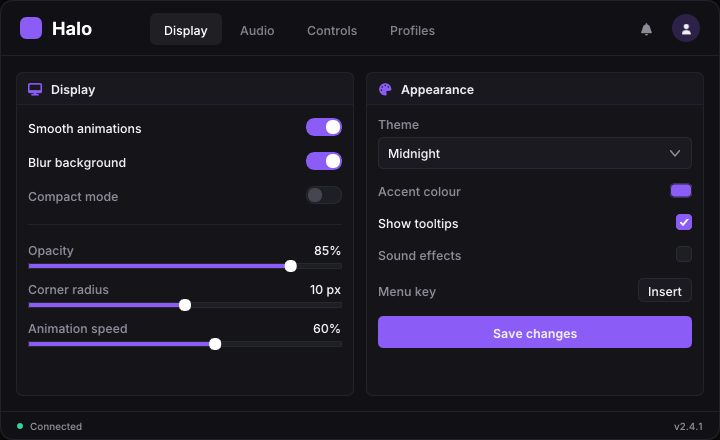 preset greys · stock widgets
55% Remake
$5per UI
Same style and structure, details approximated. Fast and cheap.
- Quick read of your screenshots
- Same layout, palette and structure
- Library widgets with preset styling
- Compiled .exe + full C++ source
- Starter
- 10 / month
- Pro
- unlimited
- Studio
- unlimited
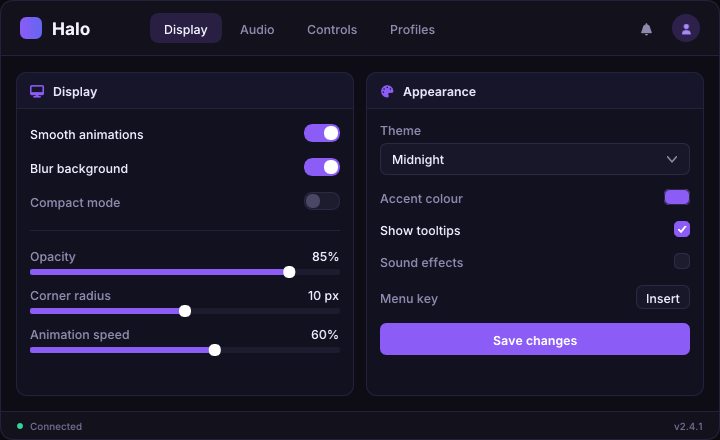 measured palette · library widgets
75% Remake
$12per UI
Colours, layout and structure right; not every pixel perfect.
- Measured palette, geometry and type sizes
- Widget construction matched per kind
- Custom widgets where shapes differ
- 1 visual refine pass against your screenshot
- Compiled .exe + full C++ source
- Starter
- 3 / month
- Pro
- unlimited
- Studio
- unlimited
exact type · custom panel header1:1 Remake
$25per UI
Pixel-exact: every detail measured and reproduced.
- Full pixel measurement protocol
- Every padding, radius, colour and alpha measured
- Custom widgets and exact typography
- 2 visual refine passes against your screenshot
- Compiled .exe + full C++ source
- Starter
- $20
- Pro
- $12.50
- Studio
- 10 / month
Plans
UIs included every month. 30-day passes, no auto-renew.
Starter
For the occasional menu.
$9/ 30 days
- 55%
- 10 / month
- then $4
- 75%
- 3 / month
- then $9.60
- 1:1
- $20
- 10 × 55 % UIs every month
- 3 × 75 % UIs every month
- 20 % off every other UI
Pro
For people who remake every week.
$20/ 30 days
- 55%
- unlimited
- 75%
- unlimited
- 1:1
- $12.50
- Unlimited 55 % + 75 % UIs (fair use)
- 1:1 UIs at 50 % off
- 3 remakes at the same time
Studio
For teams and resellers.
$49/ 30 days
- 55%
- unlimited
- 75%
- unlimited
- 1:1
- 10 / month
- then $12.50
- Everything in Pro
- 10 × 1:1 UIs every month
- More 1:1 at 50 % off
- 5 remakes at the same time
Top up your balance
Every UI that no plan covers takes its price from the balance. Failed or canceled remakes are refunded automatically.
Hand-made
$20–60Loaders, complex animations or a full multi-page menu, finished frame by frame by Syntax, with a showcase video.
Order on DiscordLooks real. Does nothing.
SyntaxUIs builds UI shells: every toggle flips a bool, every slider moves a number, and that is all. Whatever a label in your screenshot says, nothing implements it. That is a promise to you and to everyone who runs the exe.
Allowlisted code only
Generated files may include ImGui and a handful of std headers. No Windows headers.
No system access
Process, memory, file, registry, network, clipboard and input APIs are rejected before anything compiles.
Sandboxed renders
Preview renders run in a locked-down Windows job object: one process, no clipboard, hard timeout.
Fixed host
The window, renderer and build files are fixed and never generated. Only the design files are.
line 3 · #include <windows.h> · header not on the allowlist
line 57 · WinExec(…) · process API
sent back to the generator with the findings
rescan: 0 findings · UI-only code · build starts
allowlist
includes
denylist
OS · memory · net
sandbox
preview renders
FAQ
Questions people ask
Anything else? The Discord is where remakes, payments and hand-made orders happen.
What do I get for free?+
One complete remake per account in the 55 % or 75 % quality: measured, built and delivered with the compiled exe and the full C++ source, preview renders included. After that you pay per UI from your balance, or pick a plan (Starter, Pro or Studio) with UIs included every month.
What is the difference between 55 %, 75 % and 1:1?+
How closely the result matches your screenshot. 55 % reads the menu once and rebuilds its style and structure with our stock widgets. 75 % measures palette, geometry and type and matches each widget's construction. 1:1 runs the full pixel measurement protocol and compares the built menu against your screenshot twice to fix what still differs.
Is this a cheat or an injector?+
No. The output is a standalone window that reproduces how a menu looks. It contains no game, memory, process, file or network code — the safety scanner rejects such code before it is built.
How close does it get?+
Layout, colours and metrics are measured from your screenshots, so they usually match closely. Fonts are matched by category from a built-in set, icons are mapped to Font Awesome 6, and hover or animation behaviour is inferred unless your screenshots show it. spec.md lists exactly what was inferred.
What do I need to build the source?+
Visual Studio 2022 or newer with “Desktop development with C++”. Open the .sln and build Release | x64. Dear ImGui 1.91.9b is included as source, so there is nothing else to install.
Which screenshots work best?+
Full-resolution PNGs, one per tab you want rebuilt, cropped to the menu if you can. A screenshot with an open dropdown helps for popups.
Can I edit the result?+
Yes — it is plain C++. Colours and sizes live in one theme file, the layout in one function, and the widget library is documented in the project README.
What happens to my screenshots?+
They are stored with your remake so you can see them next to the result, and deleted when you delete the remake.
Your next menu is one screenshot away.
First UI free, exe and source included. Pay per UI after that, pick a plan when you remake every week, or let Syntax hand-make it when it has to be perfect.